Top Gaming PC: What to Check Before You Choose

Picking a top gaming PC is a big purchase. Two listings can look almost the same, with the same price and the same flashy case with colored lights, and the difference only shows up once you open the full parts list. One had a much older graphics card hiding behind a vague description. That's the whole reason for this post.
You don't need to be a tech expert to buy a gaming PC well. You just need to know which lines on the spec sheet matter and which ones are mostly decoration. Here's what I check, in roughly the order I check it.
Short on time? Our top picks: Alienware, CyberPowerPC, iBUYPOWER and NZXT. See all picks
Before You Buy a Gaming PC, Start With the Processor Model
Lots of listings say something like "Intel Core" or "AMD Ryzen" and stop there. That tells you almost nothing. Those names cover chips from many different years and power levels, from budget office parts to high-end ones.
What you want is the full model number. If the seller doesn't list it, I'd ask before buying. If they still won't say, I'd walk away. A good seller has no reason to hide it.
Once you have the model, look up its generation. A newer mid-range chip often does better in games than an old top-tier one. Honestly, for most games the processor matters less than the graphics card, so I wouldn't overspend here. A solid mid-range chip is usually the sweet spot, and it keeps an affordable gaming PC within reach.
Best Gaming Computer Tip: Match the Graphics Card to Your Games
This is the part that decides how your games look and how smoothly they run. It's also where sellers like to get vague, so read carefully.
First, think about what you play. If it's mostly lighter games, older titles, or indie stuff, you don't need a monster card. If you want big new releases at high settings, you'll need more power. And if you play on a high refresh rate monitor, that raises the bar too.
A useful trick: look up the recommended system requirements for two or three games you care about. Not the minimum, the recommended. Then compare that to the card in the listing. If the card is at or above that level, you're in good shape.
Also check the video memory amount listed next to the card. Some cards come in more than one version with different amounts, and the cheaper version can struggle with newer games at higher settings. If the listing doesn't say, ask.
One thing I'd skip
Don't pay extra for a card that's way beyond your monitor, and a cheap gaming monitor is often fine for casual play. If you're playing at a standard resolution on a basic screen, a top-tier card is mostly money sitting idle.
Memory: Check the Amount and How It's Set Up
Memory (RAM) is what your PC uses to juggle everything at once: the game, your voice chat, the browser you left open with a guide in it. Check the stated amount first. Newer games tend to want more than older ones, so look at those recommended requirements again and make sure the PC meets them with a little room to spare.
A smaller detail that's worth a glance: whether the memory comes as two sticks or one. Two matching sticks usually perform better than a single stick of the same total. Not every listing says this, but the good ones do.
It's also nice if the PC has empty memory slots. That way you can add more later instead of replacing what's there.
Storage for Your Gaming PC: Size Matters, but So Does Speed
Modern games are big. A drive can fill up much faster than expected in the first year with a gaming PC, which can mean an annoying evening deciding what to uninstall.
Look for two things here:
- Type of drive. A solid state drive (SSD) loads games much faster than an old spinning hard drive. You want your games on an SSD. The faster kind is often listed as NVMe.
- Size. Think about how many games you like to keep installed at once. If you only play one or two, a smaller drive is fine. If you hop between lots of games, go bigger.
Some PCs pair a smaller fast drive with a bigger slow one. That can work, as long as you install your games on the fast one. Also check if there's room to add another drive later. It's one of the easiest upgrades you can make.
Quick side note: if you like hobbies that go beyond the screen, our free Blank Board Game Board and 10 Card Templates is yours when you join the email list.
Cooling and Noise: The Part Nobody Talks About
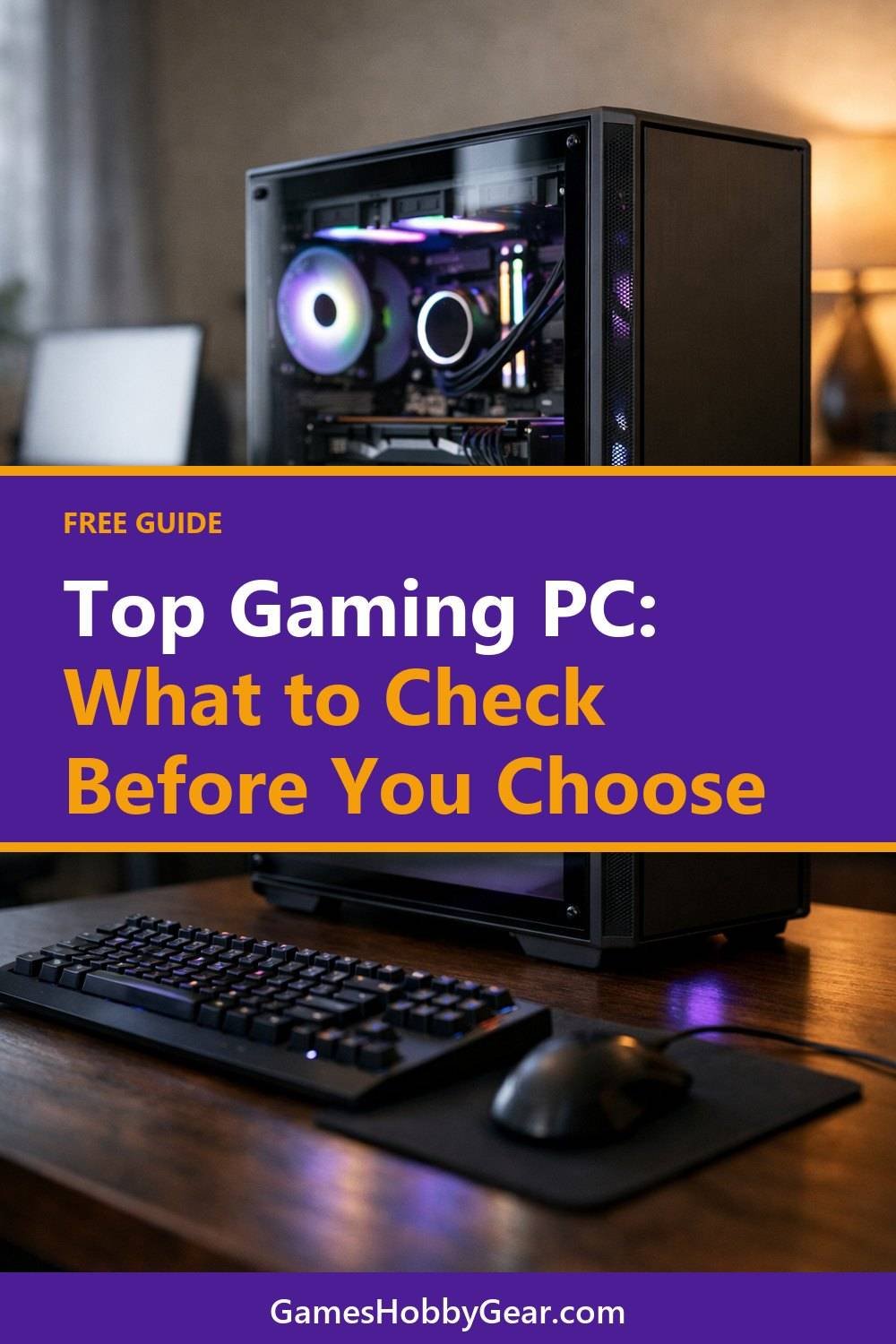
Listings love to show off the lights. They rarely tell you how loud the thing gets. But a PC that sounds like a hair dryer every time you load a game gets old fast, especially if it sits next to you or in a shared room.
Here's what I look at:
- What kind of cooler is on the processor. A basic stock cooler can get noisy under load.
- How many case fans there are and where they sit. A case with decent airflow runs cooler and often quieter.
- Whether the front of the case is solid glass or has vents. Pretty glass fronts can trap heat.
If you can, search for reviews of the exact model and see what people say about noise. Real owners tend to be honest about this. Liquid cooling looks cool, but I think it's overrated for a lot of buyers. A good air cooler is simpler and does the job fine for most setups.
Power Supply: Easy to Overlook
The power supply feeds everything else, and cheap ones are where some builders cut corners. Check that the listing names the brand and wattage. If it just says "power supply included" with no details, that's a small red flag.
A bit of extra wattage beyond what the PC needs gives you room to upgrade the graphics card later. There's no exact number that fits every build, since it depends on the parts. The card maker's page usually lists a recommended power supply size, so that's a good place to check.
Warranty and Support: Read the Terms Before You Buy
The draft version of this post just said "check the terms," and that's still the best advice. But here's what I'd look for inside them:
- How long the warranty lasts, and whether it covers parts, labor, or both.
- Who handles repairs. Do you ship the whole PC back, or deal with each part maker separately?
- Whether opening the case or upgrading parts voids the warranty. Some sellers are fine with it, some aren't.
- The return window, in case it arrives with a problem.
Read this on the seller's own page before you buy, not after. If anything is unclear, send them a message. How quickly and clearly they answer tells you a lot about what support will be like later.
Once your new setup is home, one of the top gaming headsets can make a big difference. If you're shopping for one too, the Gaming Headsets Buyer's Guide and Comparison Sheets below this post might save you some time.
Quick Summary
Get the full parts list, with exact model numbers. Match the graphics card to your games and your monitor. Make sure memory and fast storage meet your games' recommended specs with some room left. Don't ignore cooling, noise, or the power supply, and read the warranty before you pay. Do that, and those lookalike listings stop looking alike pretty quickly.
Gaming PC Brands Worth a Look
If you'd rather start from a few known names than scroll endless listings, these are good places to begin your research. Treat them as starting points and run each one through the checklist above.
Alienware
Suits buyers who want a prebuilt from a large, established maker with a recognizable design. Check the full parts list and the cooling setup for the exact model, since lineups vary a lot.
CyberPowerPC
A good fit if you like picking from many prebuilt configurations. Check that each listing names the exact processor, graphics card and power supply before you order.
iBUYPOWER
Suits shoppers who want a prebuilt with plenty of configurations to compare. Check the warranty terms and whether upgrading parts affects your coverage.
NZXT
Works for people who like clean-looking cases and want a prebuilt or a build-your-own route. Look closely at the case airflow and the parts that come inside it.
MSI
A reasonable choice if you want a prebuilt or a pre-made desktop from a company that also makes motherboards and graphics cards. Check which exact model you are looking at, as the range is wide.
PCPartPicker
A free tool that suits anyone building their own or just wanting to compare parts. Use it to sanity-check that parts fit together, and double-check details on the maker's own page.
Check current plans and prices on each brand's own site before you decide.
FAQ
Is it better to buy a gaming PC prebuilt or build my own with a tool like PCPartPicker?
Both can work. Building can give you more control over every part, while a prebuilt saves time and usually comes with one warranty for everything. If you've never built one and don't want the hassle, a well-specced prebuilt is a fine pick, and it suits the best gaming PC for beginners.
What's the most important part for gaming?
For most games, the graphics card has the biggest effect on how things look and run. The processor, memory, and storage still matter, but they mostly need to be good enough not to hold the card back.
Is it worth paying extra for RGB lights?
Only if you really like them. Lights don't help performance at all, so I'd put that money toward a better graphics card or more storage first.
How do I know if a listing is hiding something?
Watch for vague parts like "high-performance graphics" or a processor brand with no model number. A trustworthy seller lists exact parts. If they won't tell you when you ask, look elsewhere.
If you found this helpful, grab the free Blank Board Game Board and 10 Card Templates by joining the email list. Then have a look at the products below this post, including the Game Night and Hobby Planner and Checklist Bundle, if you like keeping your gaming time a little more organized. Happy shopping, and take your time with that parts list.
Printables and tools that can help
Gaming Headsets Buyer's Guide and Comparison Sheets
A printable guide and comparison sheets to write down what matters to you before you look at any seller...
See detailsGame Night and Hobby Planner and Checklist Bundle
A printable bundle with a 30-day goal page, weekly planner and checklists for gamers and...
See details