Best Wireless Gaming Keyboard: What to Check Before You Choose
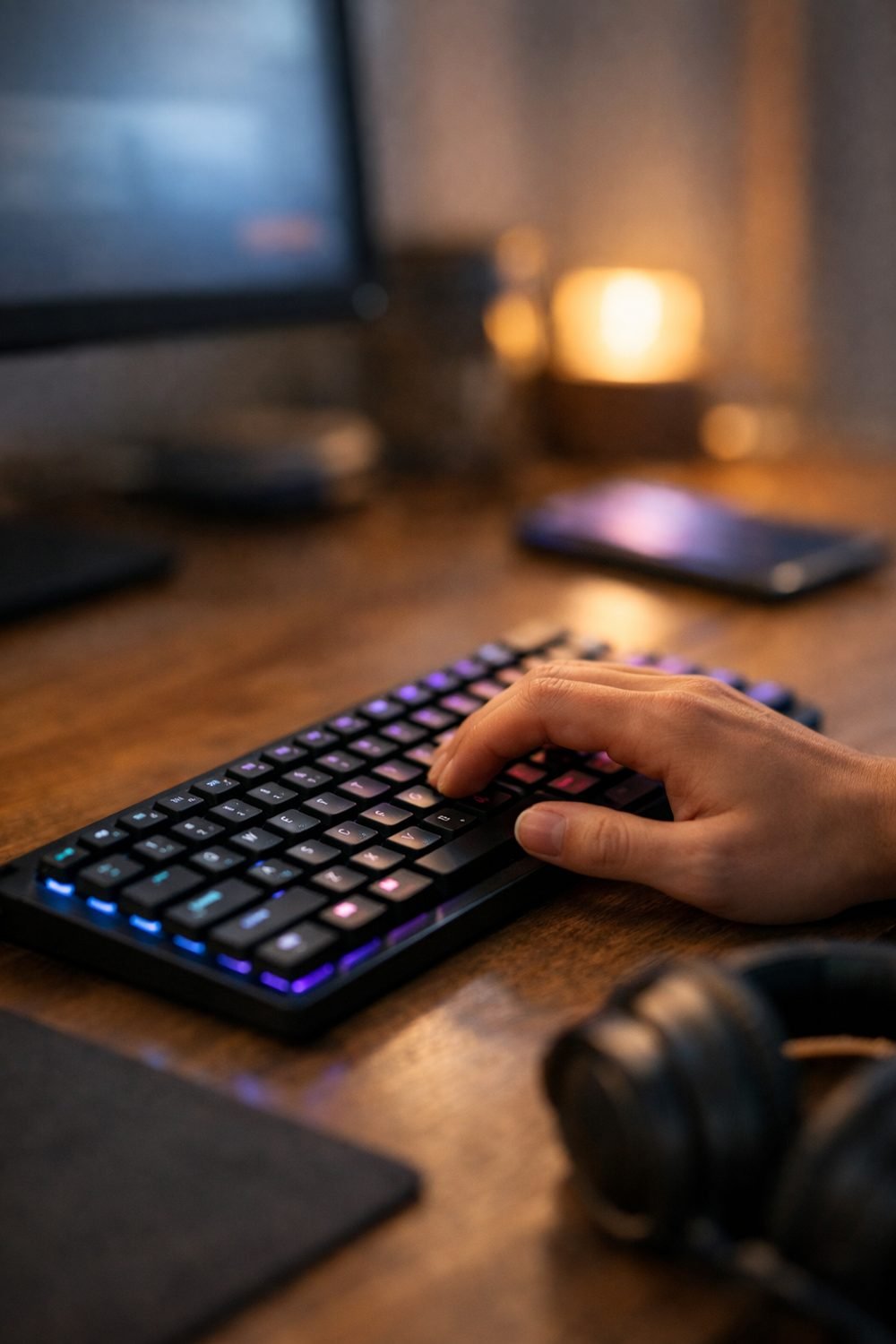
Many people switch to a wireless keyboard simply to stop a cable from dragging a coffee mug across the desk. Going wireless usually works out fine, but there are a couple of easy mistakes to avoid. The best wireless gaming keyboard trades wires for batteries, and that trade comes with a few things you should check before you spend your money.
Here's what I look at now, in roughly the order I'd check it.
Short on time? Our top picks: Logitech G915 X Lightspeed, Razer BlackWidow V4 Pro, Corsair K70 Pro Wireless and SteelSeries Apex Pro TKL Wireless. See all picks
1. How It Connects
Most wireless gaming keyboards connect in one of two ways, whether you buy a wireless gaming keyboard and mouse set or just the board. There's Bluetooth, which works with lots of devices without extra parts. And there's a small USB receiver, often called a dongle, that plugs into your PC.
For gaming, I lean toward the dongle. Many sellers describe their receiver connection as the faster, more stable option for play, while Bluetooth gets pitched as the handy choice for tablets or laptops. Some keyboards, like the Keychron K2, offer both, which is nice if you switch between a gaming PC and a work laptop. Read the product page closely, because not every model handles both equally well.
Practical tip: Check if the keyboard has a spot to store the dongle. A small USB receiver can easily get lost in a backpack, and then you may be stuck using your laptop's built-in keys.
2. Battery Life and Charging
Every wireless keyboard lists a battery life somewhere. Look at what conditions that number is based on. A listed figure with lighting turned off can look very different from real use with the lights on.
Charging matters too. Some keyboards charge over a USB-C cable and let you keep playing while plugged in. Others use regular batteries you swap out. The plug-in-and-keep-going kind is worth considering, because a dead keyboard tends to happen mid-match.
Practical tip: Look for a low-battery warning, like a flashing light or an on-screen alert in the keyboard's software. It saves you from a surprise shutdown.
3. Mechanical Gaming Keyboard Switches: Linear, Tactile or Clicky
If you want the best wireless mechanical keyboard, the switch is the part under each key that decides how it feels. Linear switches press smoothly straight down with no bump. Tactile ones have a small bump you can feel. Clicky ones have a bump plus a sharp clicking sound.
Honestly, I think clicky switches are a bit overrated for gaming. They feel fun for a week. Then your roommate, partner or voice chat friends start to hate you. Linear switches suit quick taps, but plenty of people love tactile ones for typing too.
If you can, try a switch tester or a keyboard at a store before you buy. Feel is personal, and no review can tell you what your fingers will like.
Practical tip: Some keyboards are "hot-swappable," which means you can change switches later without soldering. If you're unsure what you like, that flexibility is worth checking for.
4. Size and Layout
Full-size keyboards have everything, including the number pad on the right. Compact ones drop some keys to save space. You'll see names like tenkeyless (no number pad, also called a TKL keyboard, as with the SteelSeries Apex Pro TKL Wireless), 75%, 65% and 60%.
A compact layout is a good option, and it leaves your wireless gaming mouse way more room. The mouse gets more room, and your shoulders may feel better because your arms aren't spread so wide. But if you type numbers a lot for work or school, you might miss that number pad more than you expect.
Smaller layouts often put keys like arrows or F-keys behind a function button. That's fine in games where you don't need them. It gets annoying fast in games that do.
Practical tip: Make a quick list of the keys you actually press in your favorite games. Then check that the layout you want has them as normal keys, not hidden shortcuts.
5. RGB Keyboard Lighting: Nice, But It Costs You
RGB lighting looks great in photos. On a wireless keyboard, though, it eats battery. That's the trade nobody mentions in the shiny ads.
You can keep the lights on low, or off when you're not playing at night. Look for a model that lets you dim the lighting or turn it off easily. Backlighting that just lets you see the keys in the dark is honestly the most useful part for me. The rainbow wave effects? You can skip paying extra for those.
Practical tip: Check if the lighting settings save to the keyboard itself. Some reset every time you restart, which gets old.
Quick side note: if you're into tabletop games too, you can grab our free Blank Board Game Board and 10 Card Templates by joining the email list.
6. Software and Customization
A lot of gaming keyboard and mouse sets, such as those from Corsair K70 Pro Wireless maker Corsair, come with an app for setting up macros, remapping keys and tweaking lights. Some apps are pleasant. Some are clunky and want you to make an account just to change a color.
Check which systems the software supports. If you use a Mac or Linux, don't assume it'll work. And if you rarely change settings, a keyboard with good on-board controls might suit you better than one with a heavy app.
Practical tip: Search for the software name plus "update" or "issues" before buying. User forums will tell you quickly if people struggle with it.
7. Build and Comfort
Pick it up if you can. A keyboard that slides around your desk is a pain during intense games. Rubber feet and a bit of weight help a lot.
Keycaps matter more than people think, and a white gaming keyboard can show wear faster than a dark one. Some get shiny and slick after a few months of use. Product pages usually say what the keycaps are made of, so it's worth a look. A wrist rest is also nice, though a folded towel works fine as a budget alternative.
Practical tip: Check the height of the keyboard. Taller keyboards can strain your wrists without a rest, so factor that in.
8. Return Terms and Warranty
This is the boring one, and I almost skipped it the first time. Don't. Switch feel and layout are hard to judge until you've used a keyboard for a few days.
Read the seller's return policy and the warranty details on their page. Some stores charge restocking fees or won't take back opened items. Keep the box for at least a couple of weeks, just in case.
Practical tip: Set a phone reminder a few days before the return window closes. Decide by then, so you're not stuck with something you don't love.
If you're upgrading your whole setup, our Gaming Headsets Buyer's Guide and Comparison Sheets are below this post. A wireless headset has just as many confusing specs as keyboards do, so a similar checklist helps.
Wireless Keyboards Worth a Look
These are real, well-known options that cover different budgets and tastes. Use the checks above to decide which one fits how you play.
Logitech G915 X Lightspeed
Suits players who want a low-profile board with a receiver connection and Bluetooth in one keyboard. Check which switch type the version you pick uses, since feel differs a lot between them.
Razer BlackWidow V4 Pro
Suits people who like a full-size board with plenty of extra controls. Check how the connection options work, because some Razer boards in this range lean on a cable for certain modes.
Corsair K70 Pro Wireless
A fit for those who want a full-size mechanical board and use Corsair's app for lighting and macros. Check that the software runs on your system and that you are happy with its setup steps.
SteelSeries Apex Pro TKL Wireless
Good for players who want a tenkeyless layout to free up mouse room. Check the switch style and how the keyboard handles key customization before you commit.
Keychron K2
Suits people who split time between gaming, work and a laptop or tablet, and like a compact layout. Check the exact version, since switch options and lighting vary between models.
Logitech G Pro X TKL Lightspeed
Suits competitive players who prefer a compact tenkeyless board without a number pad. Check how comfortable the height feels for you and whether you want a wrist rest.
ASUS ROG Falchion
Suits those who want a small 65% layout with a wireless connection. Check where the arrow and function keys sit, because compact boards hide some keys behind a shortcut.
Check current plans and prices on each brand's own site before you buy.
FAQ
Is a wireless gaming keyboard good enough for competitive play?
Many people use them for competitive play, usually with the USB receiver instead of Bluetooth. Check what the seller says about connection speed and read user reviews from people who play the same kind of games you do.
How often will I need to charge it?
That depends on the model and how you use the lighting. Look at the battery life listed on the product page and whether it was measured with lights on or off.
Should I get a compact or full-size keyboard?
Go compact if you want more mouse room and don't use the number pad much. If you enter numbers often or like having every key right there, full-size is the safer pick.
Can I use one keyboard for both my PC and a tablet?
Yes, if it supports both a receiver and Bluetooth. Many let you switch between devices with a button, but check the product page to see how many devices it remembers.
Before you start comparing models, grab the free Blank Board Game Board and 10 Card Templates by signing up in the box on this page. After that, take a look at the products below this post. The Game Night and Hobby Planner and Checklist Bundle is handy if you like keeping your gear lists and game plans in one spot. And if you have a question about picking a keyboard, I'm always happy to hear it.
Printables and tools that can help
Gaming Headsets Buyer's Guide and Comparison Sheets
A printable guide and comparison sheets to write down what matters to you before you look at any seller...
See detailsGame Night and Hobby Planner and Checklist Bundle
A printable bundle with a 30-day goal page, weekly planner and checklists for gamers and...
See details