Best Retro Game Console: How to Pick the Right One
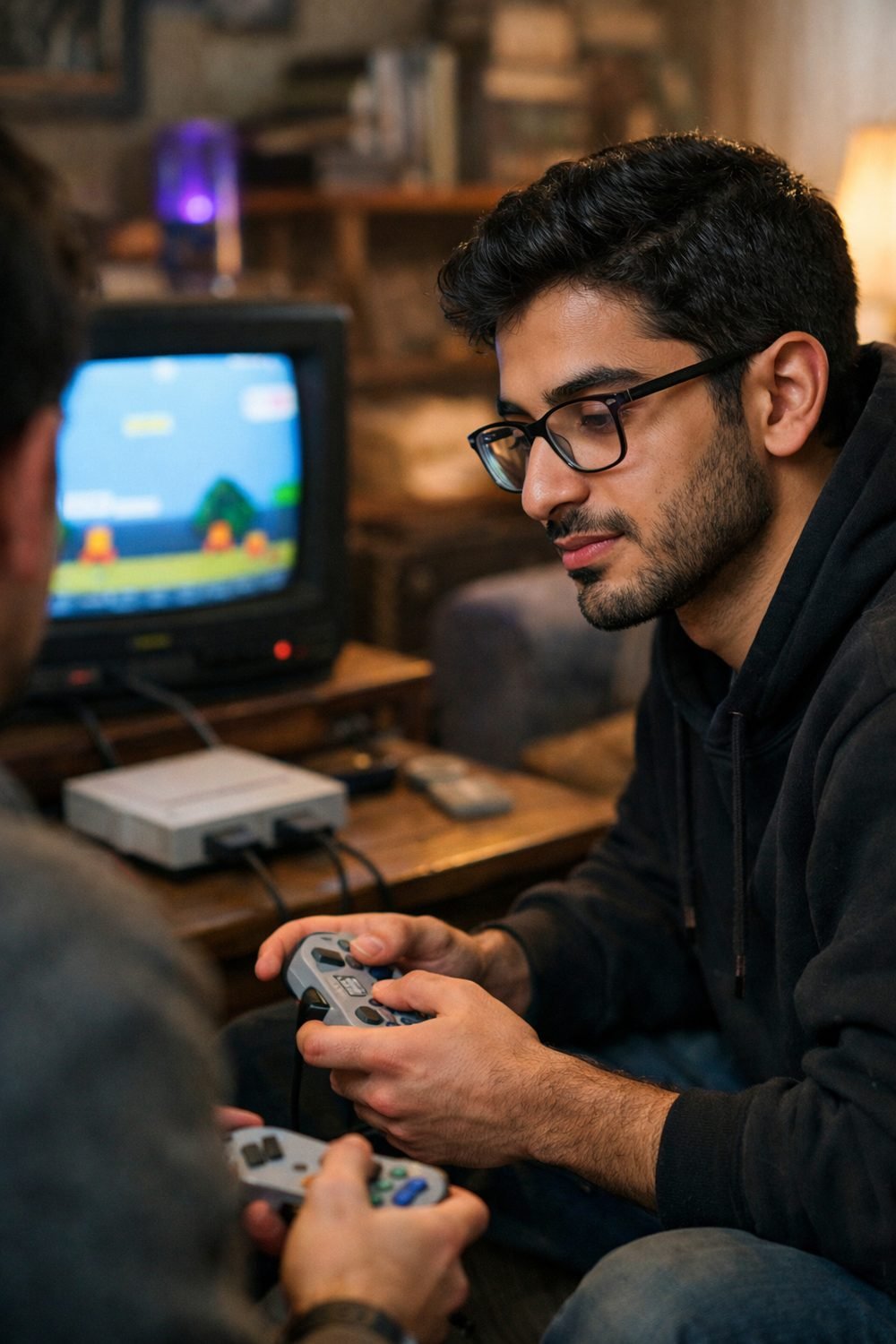
Finding the best retro game console is harder than it looks, and buying one on a whim is a common way to end up with the wrong one. It was a little plug-in box with a big number on the front, promising hundreds of games. Once you get it home and plug it in, you may find that most of those "games" are the same five titles with different colors. The controller cable was barely long enough to reach my couch. It can be funny at first, and then a little embarrassing.
A retro console is mostly a nostalgia buy, and that's fine, but a video game console of any kind needs a little homework. But nostalgia makes us skip the boring details, and the boring details are what decide if you'll still be playing it next month. This guide walks you through how I check a console now, step by step, so you end up with one that actually fits how you play.
Short on time? Our top picks: Nintendo Switch Online, Analogue Pocket, Evercade and Anbernic. See all picks
What you need
You don't need much. Before you start comparing, grab these:
- A list of the games you really want to play (five or ten is plenty)
- Knowledge of what TV or screen you'll use, and which ports it has
- A rough idea of how many people will play at once
- A note of where you'll play: couch, desk, travel, kid's room
- Your budget, written down so you don't creep past it
- A few minutes to read the seller's page and the return policy
If you like keeping notes on paper, a simple checklist helps a lot. The Game Night and Hobby Planner and Checklist Bundle below this post has pages that work well for comparing a few options side by side.
Step 1: Make your "must play" list before choosing a retro game console
This is the step most people skip, and it's the one that matters most. Before you look at a single console, write down the games you're excited about. Not the ones you think you should want. The ones you'd actually sit down and play on a Sunday afternoon.
Then go to each product page and look for the full game list. A good seller shows every title. If you can only find a vague claim like "classic hits included," be careful. That usually means the list isn't great, or it's padded.
Watch for these warning signs:
- Huge game counts with no list shown
- Titles that sound almost like famous games but are slightly off
- Lots of "hack" or "version" games, which are often repeats
Tip: I'd take a console with 20 games I love over one with 500 I've never heard of. Big numbers look nice on the box, and that's about all they do.
Step 2: Count your players and check the controllers
Think about who's playing. Just you? You and a partner? Kids who will fight over the second controller within ten minutes? Be honest here.
Look at how many controllers come in the box and whether you can add more. Some consoles only ship with one, and finding a matching second one later can be annoying. Check if they're wired or wireless. Wired ones are simple and don't need batteries, but short cables can force you to sit right in front of the TV. That's how I ended up cross-legged on my living room floor at 34 years old.
Also check the button layout. Some games from older systems need specific buttons, and a cheap controller might feel mushy or miss inputs. If reviews mention "sticky buttons" or "the D-pad is stiff," take that seriously. The controller is the part you touch the whole time.
Tip: If you play a lot of two-player games, make two controllers in the box a requirement, not a bonus.
Step 3: Match the video output to your screen
Here's where a lot of returns come from. Most newer retro consoles use HDMI, which works with pretty much any modern TV. Some use older AV cables, the red, white and yellow plugs. Many newer TVs don't have those ports anymore.
Walk over to your TV and look at the back or side. Count your HDMI ports. If they're all taken by a streaming stick and a game system, you'll be swapping cables every time, which gets old fast.
A few things to check on the product page:
- Which cable type it uses, and whether that cable comes in the box
- The output resolution listed (if any)
- Whether it needs a separate power plug or runs off the TV's USB port
Don't expect old games to look razor sharp on a big new screen. They were made for small, fuzzy TVs. Some consoles, like the Analogue Pocket, are known for display options aimed at retro games, and honestly, I like filters that soften the picture more than I expected to.
Tip: If you only have an old TV with AV ports, that can actually be a plus. Older games often look closer to how you remember them on an older screen.
Step 4: Read reviews for build quality, not star ratings
Star ratings tell you almost nothing on their own. A five-star review that says "Great gift!" was probably written before anyone played it. The useful stuff is in the longer comments, especially the three-star ones. Those people usually liked some things and didn't like others, and they tell you which.
Look for comments that mention:
- How the plastic feels, and whether anything creaked or cracked
- Whether the console stopped working after a few weeks
- Sound problems, like lag or crackling
- Input delay, where the game reacts a beat after you press a button
- How the seller handled problems
Input delay is a big one for me. In fast games, even a small lag can make everything feel off. If several reviewers mention it, I skip that console.
By the way, if you're the type who likes making your own games too, you can grab our free Blank Board Game Board and 10 Card Templates when you join the email list.
Tip: Sort reviews by "most recent." Products sometimes change over time, and older reviews might describe a version you can't buy anymore.
Step 5: Decide between a portable game console and a plug-in
This depends on where you'll play. A portable game console usually runs on a built-in battery or swappable batteries. Plug-in consoles that connect to a TV need a power source the whole time.
For handhelds, check:
- Whether the battery is built in or replaceable
- How it charges (USB-C is handy if you already own those cables)
- What the seller says about battery life, and whether reviews agree
For plug-in consoles, check if a wall adapter is included. Some only come with a USB cable and expect you to have a power brick already. That's not a dealbreaker, but it's annoying to find out on the day you open it.
It's easy to assume you'll use a handheld all the time. A handheld mostly gets used on long car rides and while waiting at appointments. At home, I always reach for the one hooked up to the TV.
Tip: If you play with a headset, check for a headphone jack on handhelds. Not all of them have one. Our Gaming Headsets Buyer's Guide and Comparison Sheets below this post can help if you're shopping for one at the same time.
Step 6: Check the return terms before you pay
This feels boring, but it's saved me money. Read the return policy on the seller's page before you buy, not after. Look for how many days you have, whether opened items can go back, and who pays for return shipping.
Also look for any warranty info. If it isn't clear, message the seller and ask. A seller who answers quickly and plainly is a good sign. One who dodges the question tells you something too.
When it arrives, test it right away. Try a few games, use every controller, press every button. Don't let it sit in the box until a birthday three months out and then discover the second controller doesn't work.
Tip: Keep the box and packing for at least the length of the return window. Some sellers want items back in the original packaging.
Step 7: Set a budget for your retro console and stick to it
Retro consoles range a lot in price, and it's easy to talk yourself up a level. "For just a bit more, I get more games." But if you already found one that plays your must-play list, has the right controllers, and works with your TV, you're done.
What I think is overrated: special editions with fancy boxes or extra stickers. Fun if you're a collector. Pointless if you just want to play.
Tip: Spend extra on a better controller, such as one from 8BitDo, before you spend extra on more games.
Troubleshooting
The TV shows "no signal"
Check that the TV is set to the right input, especially if you're using a plug-in like the Sega Genesis Mini. This catches me more often than I'd like to admit. Then unplug and replug the cable at both ends. If it still won't show up, try a different HDMI port or cable.
The controller isn't responding
For wired controllers, make sure the plug is pushed all the way in. For wireless ones, check the batteries and look at the manual for a pairing step. Some need you to hold a button for a few seconds.
Games feel laggy
Many TVs have a "game mode" in the picture settings that cuts delay. Turn it on. If lag is still bad, it may be the console itself, and that's worth raising with the seller while you're in the return window.
The sound crackles or cuts out
Check the TV volume and the cable connection first. If it's a handheld, try with and without headphones to see where the problem is. If it only happens in some games, it may just be how that console handles them.
Retro consoles worth a look
Here are some well-known retro and handheld options to compare against your must-play list. Each one suits a different kind of player, so read the notes before you pick.
Nintendo Switch Online
This suits people who want classic Nintendo games on a console they may already own. Check which classic libraries are included in the plan you choose, and whether the games on your list are there.
Analogue Pocket
This one suits collectors who own original cartridges and want a handheld to play them on. Check which cartridge types it supports natively and whether you'll need extra adapters for your games.
Evercade
A good fit if you like the feel of physical game cartridges and curated collections. Check which cartridge collections contain your must-play titles, since games are sold in themed bundles.
Anbernic
This brand makes a range of budget-friendly retro handhelds that suit tinkerers who enjoy setting things up. Check how games get onto the device, and read the legal side of that carefully before you buy.
Retro-Bit
Retro-Bit makes controllers and retro-style consoles that suit players who want a familiar feel. Check that the controller's connection type works with your console or TV setup.
8BitDo
Known for retro-styled controllers, this suits anyone who wants to upgrade a mushy gamepad. Check which devices a given model is made to work with before you order.
Sega Genesis Mini
A small plug-in console that suits fans of classic Sega games who want something simple for the TV. Check the game list carefully against your own must-play list, since each mini console ships with a fixed set of titles.
Check current plans and prices on each brand's own site before you buy.
FAQ
Is a bigger game count better on a retro console?
Not really. Large numbers often include repeats or games you'll never play. A shorter list of titles you love is worth more.
Do I need HDMI?
If you have a modern TV, HDMI is the easiest choice. Check your TV's ports before buying. Older AV-only consoles can work, but you may need an adapter.
Should I get a portable game console or one that plugs into the TV?
Think about where you'll actually play. Handhelds are great for travel and waiting rooms. TV consoles are better for playing with other people on the couch.
What should I do if it breaks soon after buying?
Contact the seller right away and check their return and warranty terms on their page. Keep your receipt and the original box until the return window closes.
Your next step
Start with your must-play list, then use the steps above to narrow things down to one or two consoles. If you'd like fun board games for adults or a fun family board games night besides the screen, sign up for the email list and grab the free Blank Board Game Board and 10 Card Templates. After that, take a look at the guides below this post if you're planning game nights or shopping for a headset. Happy playing.
Printables and tools that can help
Gaming Headsets Buyer's Guide and Comparison Sheets
A printable guide and comparison sheets to write down what matters to you before you look at any seller...
See detailsGame Night and Hobby Planner and Checklist Bundle
A printable bundle with a 30-day goal page, weekly planner and checklists for gamers and...
See details