Best Headset for PC: Questions to Ask First

Many people buy a PC headset on looks or price alone, and a lot of them end up boxing it back up, so ask a few questions before you pick one. One didn't fit my ports without an adapter I didn't have. The other made my ears ache after about an hour. Neither problem was hard to spot. It's easy to end up with the wrong headset by not asking the right questions before paying.
So this isn't a "top 10 headsets" list. It's the set of questions I now ask first, every time. Go through them and you'll know what you need before you start comparing models.
Short on time? Our top picks: HyperX Cloud II, Logitech G PRO X, SteelSeries Arctis Nova and Razer BlackShark V2. See all picks
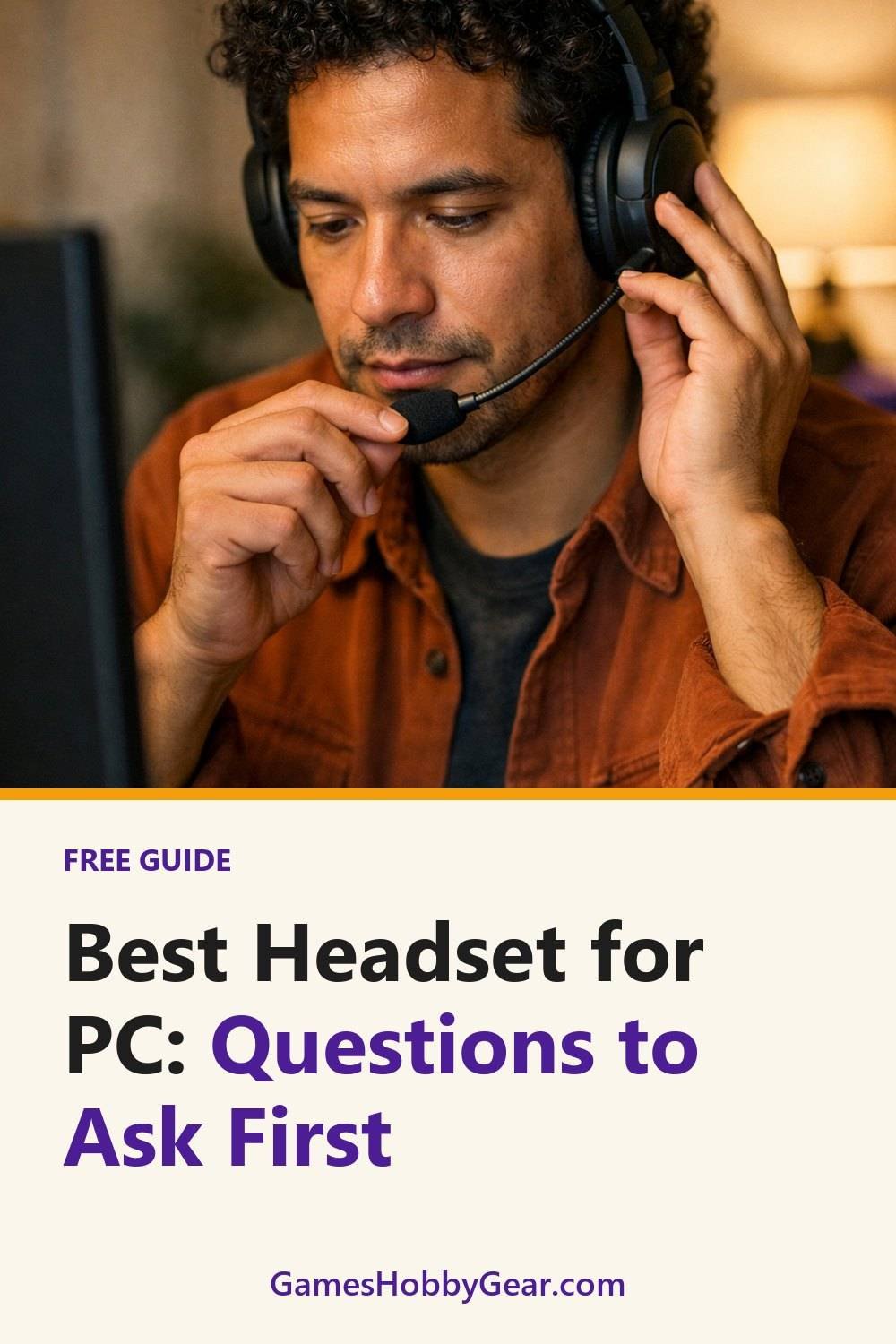
1. Which ports does your PC actually have?
This sounds boring, but it's where I went wrong first. Most PC headsets connect by USB, by a 3.5 mm jack, or wirelessly with a small USB dongle, and a wireless PC headset almost always needs a free USB port. Some 3.5 mm headsets use one combined plug for sound and mic. Older desktops often have two separate jacks, one green for audio and one pink for the mic.
If your headset has one plug and your PC has two jacks, you'll need a splitter. They're cheap, but it's annoying to find out on the night you wanted to play. USB headsets skip this problem, and some have their own sound chip built in, which can help if your PC's built-in audio is a bit hissy.
Tip: Turn your PC around and look before you shop. Write down what you see: how many USB ports, what type, and how many audio jacks. It takes two minutes and saves a return.
2. How clear is the mic on a gaming headset with mic?
Product photos never tell you how a mic sounds. The listing will usually say something nice about "crystal clear voice," and that means very little. What you want is proof from real people.
Read the comments and reviews and search them for words like "mic," "voice," and "friends said." When several people say their teammates complained about sounding muffled or far away, take that seriously. One bad review could be a fluke. Five is a pattern.
Also think about how you'll use it. If you mostly play solo, the mic matters less. If you're on voice chat every night or do calls for work, put this near the top of your list.
Tip: Look for video or audio samples that buyers have posted. Hearing the mic for ten seconds tells you more than any spec line.
3. Will a good gaming headset still be comfortable after two hours?
Comfort is the one I underrated most. A headset can feel fine in the first five minutes and then start pinching around the hour mark. A pair can feel snug in the store and still be miserable by the end of a long session.
A few things make a real difference:
- Ear pad material. Leatherette blocks more outside sound, which helps if you want a noise cancelling gaming headset feel, but it can get warm. Fabric or velour breathes better but lets in more noise.
- Weight. Check the listed weight if there is one. Heavier headsets aren't always worse, but you'll feel it on top of your head.
- Clamp. Too tight and it squeezes. Too loose and it slides when you look down.
- Glasses. If you wear them, search reviews for "glasses." Some pads press the arms into your head.
Tip: If you can, try one on in a shop and leave it on for a while. Walk around. Look down at your phone. That's closer to real use than a quick test.
4. Wired or wireless PC headset?
Honestly, I like wired for a desk setup. There's no battery to charge and nothing to pair, and I never have to wonder why the sound cut out. You plug it in and it works.
Wireless is nice if you get up a lot, pace during calls, or hate cables catching on your chair. The trade-off is battery life and charging. Check how long the seller says it lasts, then look at reviews to see if real users get close to that. Also check whether you can keep using it while it charges, because some models don't let you.
One more thing: a Bluetooth gaming headset can have a small delay with games. Many gaming wireless headsets, such as the Corsair HS80, use their own dongle for this reason. Check the listing to see which kind you're getting.
Tip: Be honest about your habits. If you forget to charge your phone, you'll probably forget to charge a headset too.
Quick side note: if you like making your own games as well as playing them, our free Blank Board Game Board and 10 Card Templates are yours when you join the email list.
5. Do you need surround sound?
Surround is one of those features that gets a lot of hype. Some people love it for hearing footsteps in shooters. Others, me included, often switch it off because it can make music and voices sound a bit hollow.
Most PC headsets use "virtual" surround, which is software that tricks your ears into hearing direction. It might come built into the headset, through the maker's app, or not at all. Read the listing carefully so you know what you're actually getting, and whether it needs extra software installed.
If you mostly play story games, chat, or watch videos, good plain stereo is often all you need. It's better to spend on comfort and a decent mic than on a surround badge.
Tip: Before paying more for surround, try the free spatial sound options your system might already have. You may find you don't need to pay for it at all.
6. What else will you use it for?
A lot of people buy a "gaming" headset and then use it more for work calls, music, or watching shows, so a headset with mic for PC often does double duty. That's fine, but it changes what matters. A detachable mic, like the one on the HyperX Cloud II, looks tidier on a video call. A neutral sound might suit music better than a heavy bass setting.
If you also want to use it with a console, a phone, or a laptop, check whether it works with all of them. USB-only headsets won't plug into everything.
Tip: List every device you'd like to use it with, then cross off any headset that doesn't cover the ones you care about most.
7. What is the return policy on a PC headset?
It's worth checking this before buying, since a return is a hassle. Headsets are personal. Even after all the research, you won't truly know until it's on your head for a few evenings.
Look at how many days you have, whether opened items can go back, and who pays for return shipping. Some sellers are strict about headsets for hygiene reasons, so read the actual terms on the seller's page instead of assuming.
Tip: Keep the box and all the bits for the full return window. Keep the box for a while, since tossing it early can leave you regretting it if you need to return the headset.
If you like keeping notes while you compare top gaming headsets, our Gaming Headsets Buyer's Guide and Comparison Sheets are below this post. They're simple sheets for writing down ports, comfort notes, and mic feedback side by side, so you're not juggling ten browser tabs.
Headsets worth a look
These are real, well-known PC headset lines that cover different budgets and habits. Use the questions above to decide which one fits your desk.
HyperX Cloud II
A long-running wired gaming headset that suits people who want a simple plug-in setup with a detachable mic. Check which connection version you are buying, since USB and 3.5 mm options can differ.
Logitech G PRO X
Suits players who care about voice chat and want a detachable mic. Check the listing for which connection and software it needs before you buy.
SteelSeries Arctis Nova
A family of headsets that suits people who want both gaming and everyday use, with wired and wireless versions. Check the exact model, because connections and platform support vary between them.
Razer BlackShark V2
Suits those who want a lighter-feeling wired headset for long sessions. Check which version you are looking at and whether you want its USB sound card or a plain jack.
Corsair HS80
Suits desk players who want a wireless option that uses a USB dongle instead of Bluetooth. Check how it connects and whether you can use it while it charges.
Sennheiser Game One
An open-back style wired headset that suits people who like a more natural sound and play in a quiet room. Check how much sound leaks in and out, since open designs do not block noise.
Audio-Technica ATH-M40x
A studio-style wired headphone that suits people who mostly listen to music and games and use a separate mic. Check that you have a mic option ready, because it has no built-in one.
Check current plans and prices on each brand's own site before you buy.
FAQ
Is a USB headset better than a 3.5 mm one?
Not always. USB headsets can avoid hiss from weak built-in audio and don't need a splitter. A 3.5 mm headset is often more flexible across devices, so it depends on what you plug into.
Do I need special software for my headset?
Many headsets work fine without it. Some features, like surround or mic tweaks, may need the maker's app. Check the listing to see what's required.
How can I tell if a headset will fit my head?
Trying one on is best. If you can't, read reviews for words like "tight," "loose," or "glasses," and check whether the headband adjusts enough for you.
Is wireless worth it for PC gaming?
It can be if you move around or hate cables. If you sit at a desk and want zero fuss, wired is often simpler. Think about how well you keep up with charging.
Before you buy, run through these seven questions with your own setup in mind. Then grab the free Blank Board Game Board and 10 Card Templates by joining the email list, and take a look at the Gaming Headsets Buyer's Guide and Comparison Sheets and the Game Night and Hobby Planner and Checklist Bundle below this post if they'd help you stay organized.
Printables and tools that can help
Gaming Headsets Buyer's Guide and Comparison Sheets
A printable guide and comparison sheets to write down what matters to you before you look at any seller...
See detailsGame Night and Hobby Planner and Checklist Bundle
A printable bundle with a 30-day goal page, weekly planner and checklists for gamers and...
See details