Best Buy Gaming Monitors: Who It Suits and Who Should Skip It

The best buy gaming monitors still aren't right for every desk. Many people learn this the hard way: they buy a big, fast screen, carry it home, and find their older PC can't keep up and their desk is too shallow, so check both before you buy.
So this isn't a "buy this one" post. It's a sorting post. Below you'll find the signs that a gaming monitor will actually make your setup better, and the signs you'd be spending money on features you won't feel. Read the ones that sound like you and skip the rest.
Short on time? Our top picks: ASUS ROG, LG UltraGear, Samsung Odyssey and Dell Alienware. See all picks
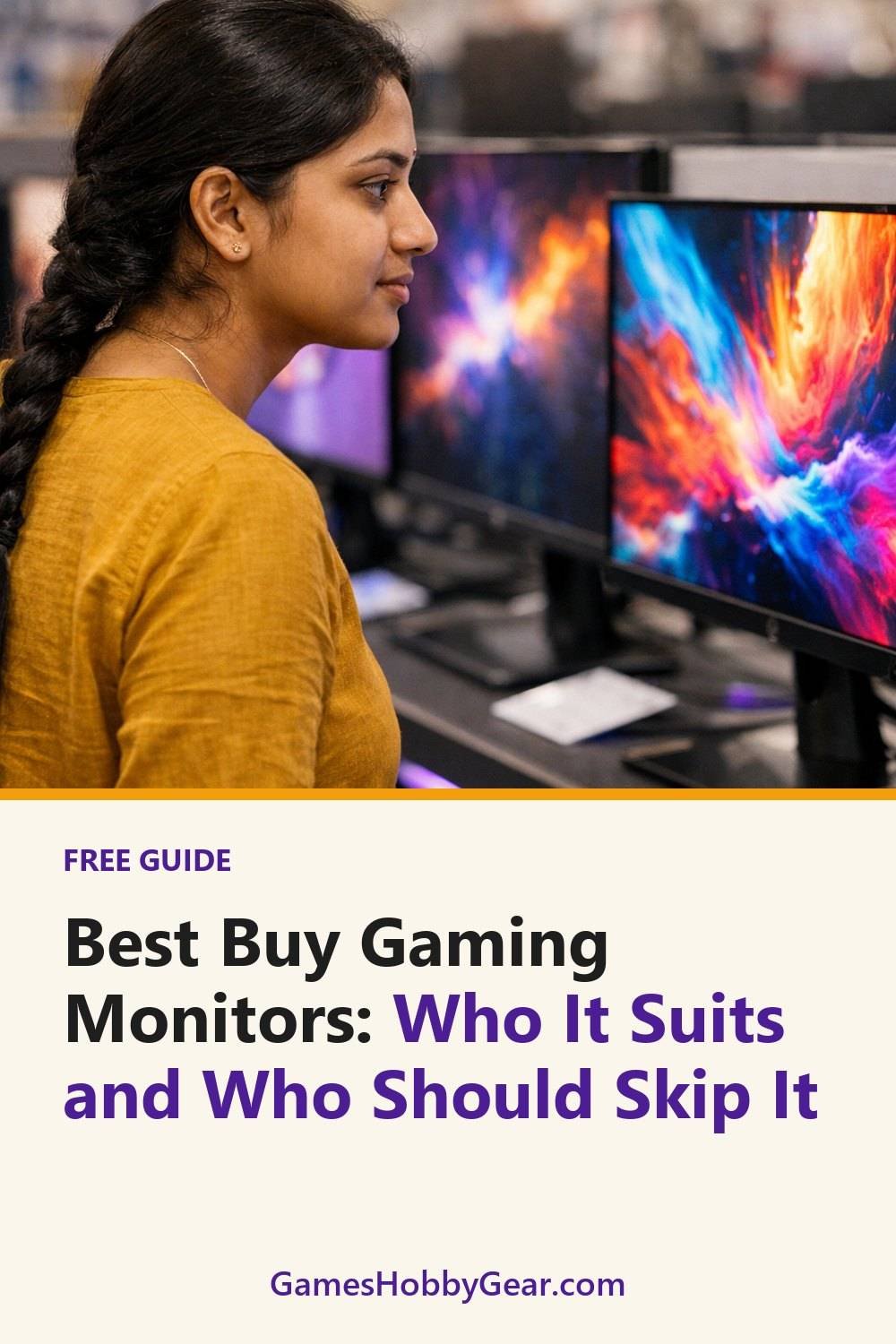
1. Good fit: you play fast action games on a good gaming monitor
This is where gaming monitors earn their place. Shooters, racing games, fighting games, anything where you're tracking movement quickly. A higher refresh rate means the screen shows more frames each second, so motion looks smoother and you can follow what's happening a little more easily.
The first time I moved from a plain 60Hz office screen to a faster one, I noticed it in the mouse cursor before I even opened a game. Turning the camera in a shooter felt less smeary. It won't make you a better player overnight, but it does feel nicer, and you stop fighting the screen.
Tip: Look at refresh rate and response time on the seller's spec page, and check whether the monitor supports adaptive sync with your graphics card or console. That feature helps cut down on tearing when your frame rate jumps around.
2. Good fit: you have a deep desk and room to spare
Bigger screens look great in photos, and the best ultrawide gaming monitor, such as a Samsung Odyssey model, is no exception. In real life, they need space. A large monitor sitting too close to your face means you're turning your head to see the corners of the map, and that gets tiring after an hour.
If your desk is deep enough to push the screen back a bit, a larger or ultrawide model can feel really comfortable. You get more to look at without straining. It helps to have enough room to slide the keyboard forward and still rest your arms on the desk.
Tip: Before you order, measure your desk depth and width with a tape measure. Then check the monitor's full dimensions with the stand, not just the screen size. Stands can stick out further back than you'd guess.
3. Good fit: you switch between a console and a gaming PC and monitor
One gaming computer monitor for two devices is a smart way to save space. Lots of people have a PC for some games and a console for others, and plugging both into one monitor, like an LG UltraGear screen, means you're not buying a second display.
The catch is ports. Not every monitor has enough inputs, and not every input supports the same features. If you've ever crawled behind a desk to swap cables mid-evening, you know how fast that gets old.
Tip: Count what you plan to plug in, then check the seller's page for the exact number and type of ports. If your console supports certain modes over HDMI, confirm the monitor's HDMI port handles them too. Don't assume.
4. Good fit: you use one screen for gaming and everything else
If your monitor does double duty for homework, work emails, video calls and late-night games, it's worth getting one you'll enjoy all day. A sharper resolution helps with text, and a good stand that tilts and adjusts height can save your neck.
Honestly, I think stand adjustment is overrated by nobody and underrated by everybody. People get excited about speed numbers and forget they'll be sitting there for hours. A screen at the wrong height is annoying every single day.
Tip: If the included stand is basic, check whether the monitor supports a standard wall or arm mount. That gives you a cheap upgrade path later.
Quick side note: if your hobby time includes tabletop games too, you can grab our free Blank Board Game Board and 10 Card Templates when you join the email list.
5. Skip if: you mostly play slow or turn-based games
If your favorite games are strategy, puzzles, card games, farming sims or story games, a fast gaming monitor probably won't change much for you. Those games don't rely on split-second motion, so the extra smoothness is nice but not something you'll miss.
In this case, I'd spend the money on things you'll actually feel. A comfy chair. A decent headset. Better lighting so you're not squinting at 11pm. A plain monitor with good colors and a size that fits your desk can be a perfectly happy choice.
Speaking of headsets, if sound matters more to you than speed, our Gaming Headsets Buyer's Guide and Comparison Sheets are below this post. They're there to help you compare options side by side, not to push a specific pick.
Tip: Look at your last few weeks of play. If most of your hours went into slower games, trust that over what you think you might play someday.
6. Skip if: your PC is on the modest side and can't feed top gaming monitors
This was my mistake. A fast monitor only helps if your computer can actually send it that many frames. If your PC struggles to hit 60 frames per second in the games you play, a screen built for much higher refresh rates will mostly sit there waiting.
It's not wasted forever. If you plan to upgrade your graphics card soon, buying the monitor first can make sense. But if an upgrade is a "maybe next year" thing, you might be paying today for a feature you'll use later, or never.
Tip: Turn on an in-game frame counter or a performance overlay and play normally for a while. Note what numbers you actually get. That tells you more than any spec chart.
7. Skip if: your desk is really small, even for a portable gaming monitor
Small desks are common, and a smaller or portable screen can suit them better. Dorm rooms, shared bedrooms, a corner of the living room. A big gaming monitor can swallow that space and leave no room for your mouse to move.
A smaller screen at the right distance often feels better than a large one jammed too close. You see the whole picture without moving your eyes around so much. Some competitive players actually prefer smaller screens for that reason.
Tip: Cut a piece of cardboard to the monitor's size and prop it on your desk for an evening. It sounds silly. It works. You'll know fast whether it fits.
8. Skip if: you game from the couch
If most of your gaming happens on a sofa across the room, a desk monitor might not be the right tool at all. Monitors are designed to be viewed up close. From a few meters away, even a decent size looks small.
For couch gaming, your TV may already do the job. Some newer TVs have gaming-friendly modes, so check your TV's settings menu before buying anything new. You might be surprised.
Tip: If you want both a desk setup and couch setup, plan which one you'll use most before chasing gaming monitor deals. Buy for that one first and see if the other still feels needed.
Gaming monitor brands worth a look
These are well-known makers that sell a range of gaming monitors, so you can match one to your desk and your setup. Use the sorting above to decide what you need first, then browse their lineups.
ASUS ROG
Suits players who want a wide choice of gaming-focused monitors across many sizes. Check that the exact model you like has the ports and stand adjustment your desk needs.
LG UltraGear
A good place to look if you want a gaming monitor that also works for everyday use. Check the spec page for which sync standards the model supports with your graphics card or console.
Samsung Odyssey
Suits people curious about curved or ultrawide screens for racing and open-world games. Measure your desk depth first, since these can need more room than you expect.
Dell Alienware
Worth a look if you want a gaming-styled monitor from a large, established maker. Compare the stand, mounting options and input count before choosing.
Acer Predator
Suits shoppers who like to compare many sizes and refresh rate tiers in one family. Check that your PC can actually feed the refresh rate you are paying for.
BenQ MOBIUZ
A fit for gamers who also care about sound and a comfortable all-day screen. Check the built-in speaker and stand details on the seller's page, and confirm the HDMI version for your console.
MSI Optix
Suits people building a PC-focused setup who want a range of sizes to choose from. Look at the mount compatibility if you plan to use a monitor arm later.
Check current plans and prices on each brand's own site before you decide.
FAQ
Do I need the fastest refresh rate I can find?
Probably not. Going from a basic screen to a faster one is the change most people notice, and the jumps after that feel smaller for a lot of players. Check what your PC or console can actually output before paying extra.
Is a curved or ultrawide monitor worth it?
It depends on your desk and your games. They can feel immersive in racing and open-world games, but they take up more room and not every game supports wider screens well. Check reviews and the game's settings if a specific title matters to you.
How do I know if a monitor works with my console?
Look at the seller's spec page for supported resolutions, refresh rates and port types. Then compare that with your console's official display settings info. If anything is unclear, ask the seller before you buy.
Should I buy a monitor before upgrading my PC?
It can work if an upgrade is coming soon and you know what you're getting. If not, a mid-range monitor that matches your current setup is often the calmer choice. You can always upgrade the screen later.
If you've read this far and still aren't sure, measure your desk, check your frame rate, and count your devices. Those three small checks will answer most of it. While you're planning your setup, grab the free Blank Board Game Board and 10 Card Templates from the sign-up box, then take a look at the Game Night and Hobby Planner and Checklist Bundle and the headset guide below this post if they fit what you're working on.
Printables and tools that can help
Gaming Headsets Buyer's Guide and Comparison Sheets
A printable guide and comparison sheets to write down what matters to you before you look at any seller...
See detailsGame Night and Hobby Planner and Checklist Bundle
A printable bundle with a 30-day goal page, weekly planner and checklists for gamers and...
See details