Best Budget Gaming Headset: Features Compared Side by Side
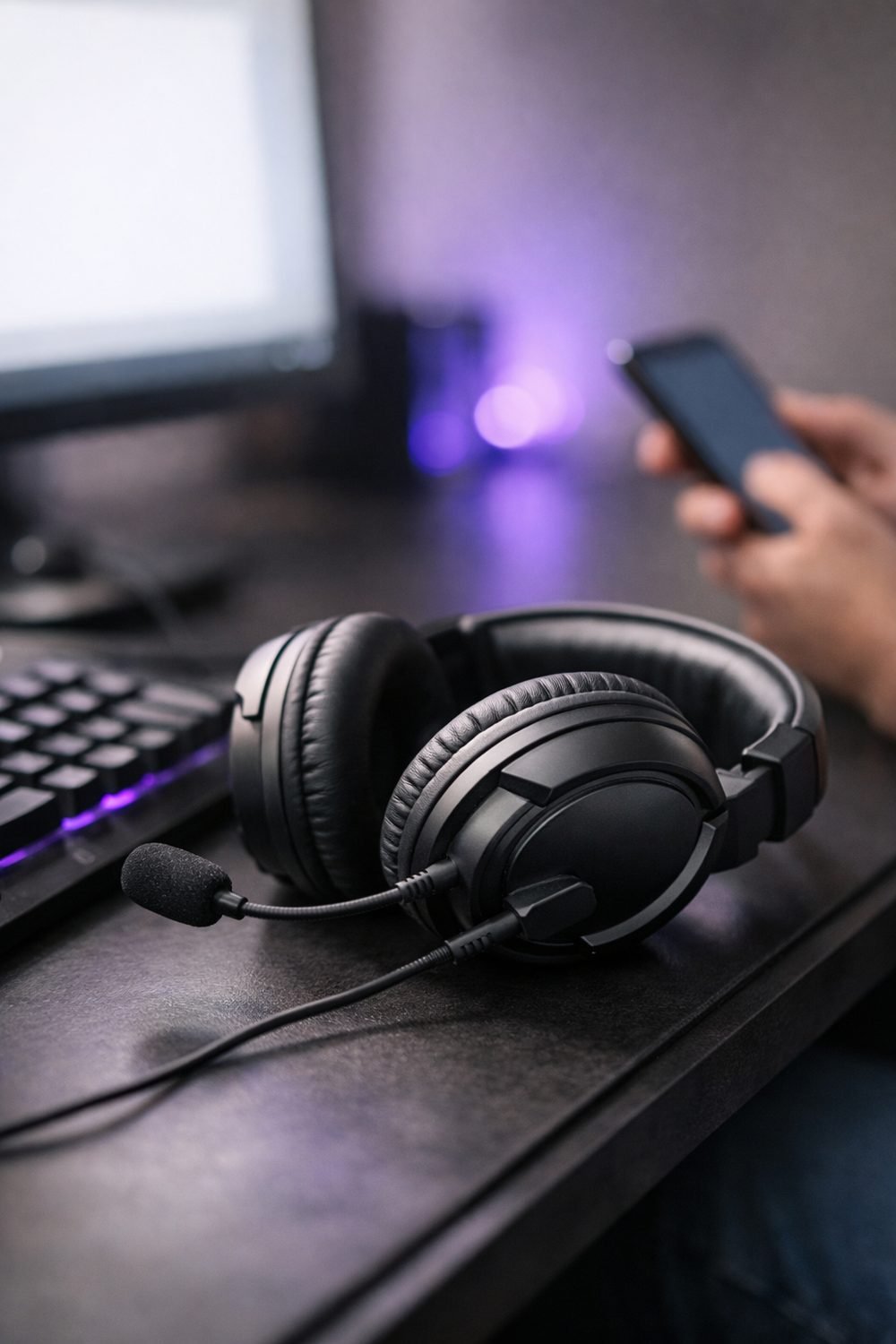
Many people end up buying several cheap gaming headsets before finding one that lasts. Some lasted years. Cheap plastic headbands can crack quickly if the headset gets tossed onto a desk too hard. So when people ask me what the best budget gaming headset is, my honest answer is that it depends on a handful of features, and how much each one matters to you.
Instead of naming one winner, this post walks through the features worth comparing side by side when shopping for a good gaming headset on a tight budget. If you know what to look for, you can spot a good deal and skip the ones that just look flashy in the photos.
Short on time? Our top picks: HyperX Cloud Stinger, Logitech G335, Razer Kraken X and SteelSeries Arctis Nova 1. See all picks
1. Comfort: Padding, Weight and Clamp
A budget headset still needs to be comfortable. That sounds obvious, but it's the thing most people check last. You can forgive average sound. You can't forgive a headset that makes your ears ache after an hour of a long gaming session.
Look at three things on the product page: the ear cushion material, the weight, and how the headband adjusts. Cheap leatherette cushions can get warm fast. Fabric or mesh cushions breathe better but may let in more outside noise. Heavier headsets aren't always worse, but on a cheaper model extra weight often comes from plastic, not quality parts.
Then there's clamp force, which is how tightly it squeezes your head. Some people wear glasses, and a tight clamp presses the arms into the side of your head. If you wear glasses, clamping pressure on the arms can become noticeable within twenty minutes or so.
Practical tip: Read reviews and search the page for words like "glasses," "tight," or "hot." Real buyers usually mention these things before anything else.
2. Gaming Headset with Mic: Boom Mic or Built-In
If you talk to friends while you play, the mic matters more than you might think. Your teammates hear your mic, not your speakers. A lot of budget headsets put most of the money into the earcups and treat the mic as an afterthought.
A boom mic, like the one on the HyperX Cloud Stinger, sits on an arm close to your mouth. It usually picks up your voice more clearly and less of the room around you. Many can flip up or detach, as on the Corsair HS55, which is handy if you also use the headset for music. Built-in mics are hidden in the earcup or cable. They look cleaner, but they're farther from your mouth, so they tend to catch more background noise like a fan, a keyboard, or a dog that won't stop barking.
You can skip worrying too much about fancy mic features on the box, like a noise cancelling gaming headset label. On cheaper models, these can mean very different things from brand to brand.
Practical tip: Look for reviews that include a voice sample or describe how they sound on calls. Also check if the mic has a mute switch you can reach without taking the headset off.
3. Connection: Wired, Bluetooth or Wireless
This is where budget choices get tricky. Wireless is nice. No cable snagging on your chair, no getting yanked when you stand up for a snack. But at lower prices, going wireless usually means giving something else up, like sound quality, mic quality, or build.
Wired headsets connect with either a 3.5mm jack or USB. The 3.5mm jack is the simple round plug that works with lots of devices, and wired models like the Logitech G335 use it. USB headsets sometimes include their own sound processing and software. A wireless or Bluetooth gaming headset uses either a USB dongle or Bluetooth, and those are not the same thing for gaming. Bluetooth can have a delay, which you'll notice in fast games.
My honest opinion? If your budget is very tight, wired usually gives you more for your money. Only go wireless if the cable is truly a problem for you.
Practical tip: If you pick the best wireless gaming headset you can afford, check the stated battery life and whether you can play while it charges. Running out of battery mid-match is no fun.
4. Sound: Stereo or Surround
You'll see "7.1 surround" printed on a lot of cheap headset boxes. Here's the thing: most headsets have two speakers, one per ear. Surround on these models is usually virtual, meaning software tries to fake the effect of sound coming from around you.
Some people like virtual surround. Others find it makes things sound echoey or thin. Plain stereo, done well, can still help you hear where footsteps are coming from in most games. Virtual surround is worth testing both on and off, since many people prefer the cleaner sound with it switched off.
So don't pay extra just for the surround label. Pay attention to what reviews say about voices, bass, and whether things sound muddy at higher volume.
Practical tip: If a headset has virtual surround, find out how you turn it on. Sometimes it needs software that only runs on a gaming headset PC setup, so it won't work the same on a console.
By the way, if you like making your own game nights extra fun, you can join our email list and grab the free Blank Board Game Board and 10 Card Templates.
5. Compatibility: Check Your Device Ports
This one catches people out all the time. A headset might be great, but if it doesn't plug into your device, it's useless to you. Before buying the best headset for PC or console, check what ports your console, PC, laptop, or phone actually has.
Some things to look at:
- Does your device have a 3.5mm headphone jack? Many newer phones don't.
- Does your console controller have a jack, or do you need a USB connection?
- If the headset has two plugs (one for audio, one for mic), does your PC need both, or will you need a splitter?
- For wireless, does the dongle work on your console, or only on PC?
Seller pages usually list which devices a headset works with. Read that list carefully, and don't assume. "Works with consoles" might mean only some consoles.
Practical tip: Take a quick photo of the ports on your device before you shop. It saves you from guessing later.
If you like keeping notes while you compare, the Gaming Headsets Buyer's Guide and Comparison Sheets below this post give you a simple place to line up these features side by side.
6. Build Quality: Where Cheap Headsets Break
Remember my cracked headband? That's the weak spot on many budget headsets. The plastic where the headband meets the earcups takes a lot of stress every time you put it on or take it off.
Look for metal parts in the headband or sliders, if the price allows. Also check the cable. A thin cable that's built into the headset can't be replaced if it frays. A detachable cable is a nice bonus, because you can just swap it out.
Practical tip: Search reviews for "broke" or "cracked." If lots of people mention the same spot failing, take it seriously.
7. Return Terms: Read the Policy First
It's smart to check the return policy before buying a headset. Comfort is personal. A headset that fits your friend perfectly might pinch you. The only real way to know is to wear it for a few hours.
Policies vary a lot between sellers. Some let you return opened items. Some only accept returns if the product is faulty. Some charge a restocking fee. And because headsets touch your head and ears, a few stores treat them differently for hygiene reasons.
Practical tip: Keep the box and all the bits for the first couple of weeks. Check the seller's page for the exact return window and conditions.
Budget Headsets Worth a Look
Here are some well-known headsets that often come up when people shop on a tight budget. Treat them as starting points for your own side by side comparison, not as a ranking.
HyperX Cloud Stinger
A familiar name for players who want a simple wired headset with a swivel mic. It suits anyone who wants an easy, no-fuss option. Check the clamp and ear cushion size if you wear glasses or have a larger head.
Logitech G335
A wired headset that suits players who want a light feel and a straightforward 3.5mm connection. Check that your console controller or PC port setup works with a single plug before you buy.
Razer Kraken X
A popular pick for people who care about weight and a flexible boom mic. It suits longer sessions on PC or console. Look at which connection version you are getting, since models in the line differ.
SteelSeries Arctis Nova 1
Suits players who want a clean look and a mic that is easy to adjust. Check the compatibility list for your exact device, because different versions are made for different platforms.
Corsair HS55
A good fit if you want a wired headset with a removable mic for switching between gaming and music. Check how the mic attaches and whether the plug setup fits your device.
JBL Quantum 100
Suits budget shoppers who want a wired headset from a big audio brand. Check the headband and earcup build in reviews, since that is where cheaper headsets tend to show wear.
Turtle Beach Recon 70
A long-running console-friendly option for players who mainly want simple wired voice chat. Check which console and controller you use, since the right version depends on your setup.
Check current plans and prices on each brand's own site before you decide.
FAQ
Is a budget gaming headset a good gaming headset for online games?
For most casual players, yes. A decent budget headset can give you clear voice chat and good enough sound to hear what's happening. Just focus on comfort and mic quality instead of flashy extras.
Do I really need surround sound?
Not really. Good stereo sound works fine for most games. Virtual surround is something to try, not something worth paying extra for on a budget.
Wired or wireless for a cheap headset?
If money is tight, wired usually gets you better value. Wireless adds convenience, but at lower prices you often trade away sound or build quality to get it.
How can I tell if a headset will fit my head?
You can't know for sure until you try it. Read reviews that mention comfort, glasses, and head size, and buy from a seller with a return policy you're happy with.
If you want a simple next step, sign up for the email list and grab the free Blank Board Game Board and 10 Card Templates. Then have a look at the Gaming Headsets Buyer's Guide and Comparison Sheets and the Game Night and Hobby Planner and Checklist Bundle below this post. They're there if they help, and no worries if you just came for the tips.
Printables and tools that can help
Gaming Headsets Buyer's Guide and Comparison Sheets
A printable guide and comparison sheets to write down what matters to you before you look at any seller...
See detailsGame Night and Hobby Planner and Checklist Bundle
A printable bundle with a 30-day goal page, weekly planner and checklists for gamers and...
See details