Affordable Gaming PC: Beginner Checklist
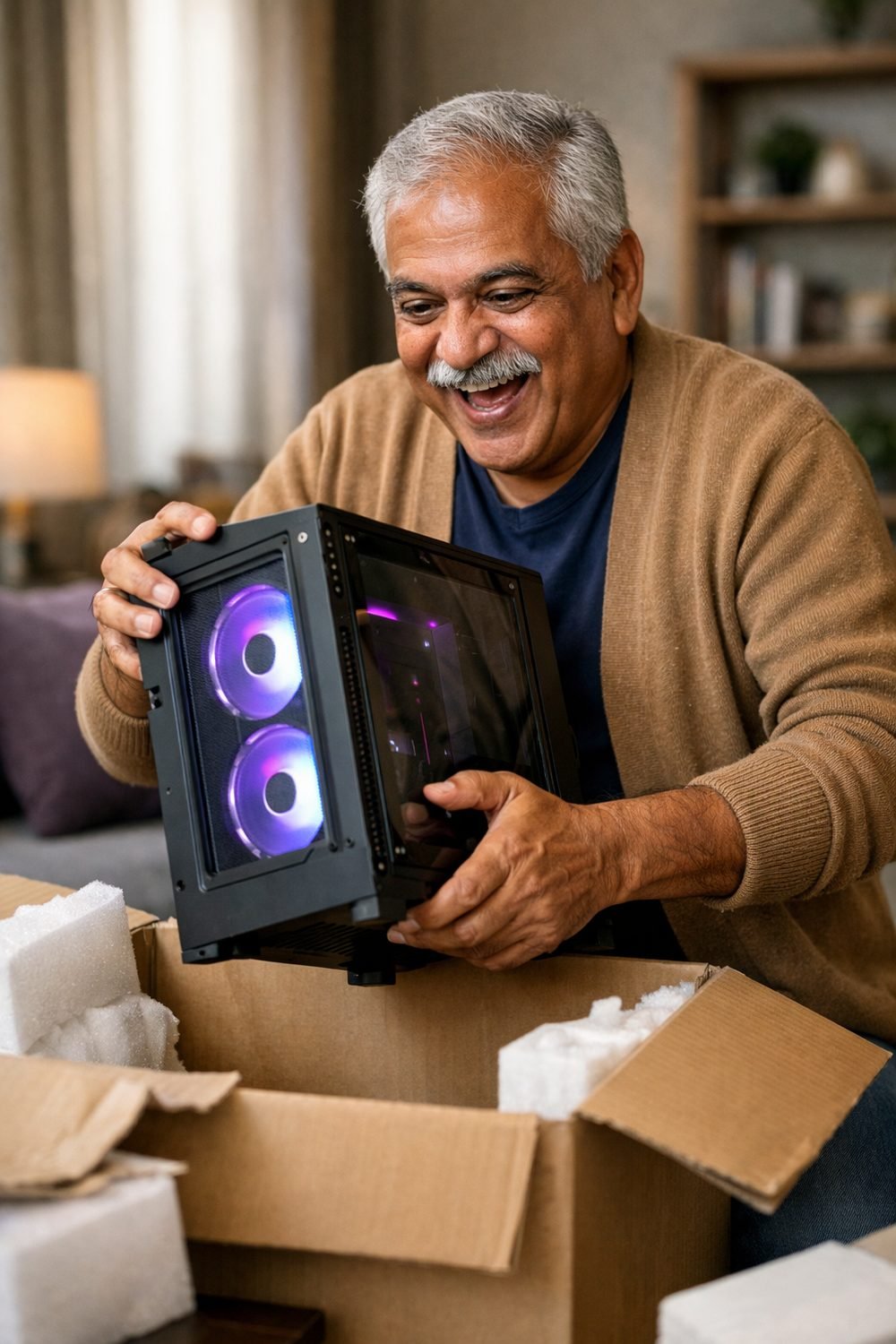
An affordable gaming PC starts with your goals, not with a parts list, and a good gaming PC for you may look different than it does for a friend. This is an easy lesson to learn the hard way. A common first budget build mistake is a flashy case with rainbow fans paired with a graphics card that struggles with the one game you actually want to play. In that case, money goes to the wrong things.
So here's the checklist I wish I'd had. It's the stuff I now go through before buying any PC, whether it's a prebuilt or a custom gaming PC. None of it needs expert knowledge. It just needs a bit of patience and a notepad.
Short on time? Our top picks: CyberPowerPC, iBUYPOWER, PCPartPicker and Can You Run It. See all picks
1. Know Which Games You'll Actually Play
Write down the three to five games you play most, or the ones you're itching to try, then run them through a checker like Can You Run It. Be honest here. If you mostly play older shooters and indie games, you don't need the same machine as someone chasing the newest big releases.
Every game lists its system requirements on its store page. You'll usually see two sets: minimum and recommended. Minimum means the game will run, but maybe not nicely. Recommended is closer to a smooth, enjoyable experience.
Practical tip: Find the game on your list with the highest recommended specs. Use that as your target. If a PC handles your toughest game, the rest will usually be fine.
2. Match Your Affordable Gaming PC to Your Screen
This one gets skipped all the time. Your monitor's resolution and refresh rate decide how hard your PC has to work. A basic 1080p screen is much easier to drive than a 1440p or 4K one.
If you already own a monitor, check its specs before you shop. There's no point paying extra for a powerful graphics card if your screen can't show the difference. On the flip side, a cheap PC hooked to a high-resolution display can feel sluggish.
Honestly, for a first budget build, I think 1080p is the sweet spot, and it helps a good gaming PC go further. Games look good, and your money goes further.
Practical tip: Look up your monitor's model number (usually on a sticker on the back) and note its resolution and refresh rate. Bring that note when you compare PCs.
3. Don't Overspend on the Graphics Card, but Don't Starve It Either
For gaming, the graphics card (GPU) matters more than almost anything else. It's also where budgets get eaten fast. You'll want to put a good share of your money here, but chasing the top model rarely makes sense on a budget.
Compare the GPU in any PC you're looking at with what your games recommend. If it meets or beats the recommended card, you're in decent shape. If it only hits the minimum, expect to lower settings.
Practical tip: Search for gameplay videos of your favorite game running on the exact GPU you're considering. Seeing it in action tells you more than a spec sheet.
4. Check How Much Storage You Really Need
Modern games can be huge. Check the install size of each game on your list and add them up. You might be surprised. Then leave plenty of room for updates, which can grow over time.
Look for a solid-state drive (SSD), such as one from Samsung, rather than an old spinning hard drive for your main storage. Games load faster, and the whole PC feels snappier. Some newer games even suggest an SSD in their requirements.
Skip any budget PC that only has a small drive with no easy way to add another. You'll be deleting games constantly, and it gets old quickly.
Practical tip: Check if the PC has a free slot for a second drive. That way you can start smaller and add more storage later.
5. Don't Forget RAM
RAM is your PC's short-term memory. Too little, and games can stutter, especially if you have a browser or chat app open in the background (and let's be real, you will).
Check the RAM amount listed in your games' recommended specs, and look at memory makers like Crucial if you plan to add more. Aim to meet that number. It's also worth seeing if the PC has empty RAM slots, so you can add more later without replacing what's there.
Practical tip: Ask the seller, or check the product page, whether the RAM uses two sticks or one. Two matching sticks often perform better than a single one of the same total size.
Quick side note: if you like tabletop games too, you can grab our free Blank Board Game Board and 10 Card Templates when you join the email list.
6. Look at What You Can Upgrade Later
A budget PC doesn't have to stay a budget PC forever, and a refurbished gaming PC can also leave room to upgrade. The trick is buying one that gives you room to grow. That means checking a few things before you pay.
- Power supply: A slightly stronger power supply makes a future GPU upgrade much easier.
- Case size: Tiny cases look neat but can make it hard to fit bigger parts.
- Ports: Count the USB ports, and check for the video outputs your monitor needs.
- Spare slots: Free spots for RAM and drives mean cheaper upgrades later.
Some prebuilt PCs use custom parts that are hard to swap out. The product page or the manufacturer's support page usually explains this.
Practical tip: Count how many USB devices you'll plug in (keyboard, mouse, headset, controller) and make sure there are spare ports left over.
7. Budget for the Extras, Like a Gaming Chair
This is the part that sneaks up on people. The PC itself is only part of the cost. You may also need a keyboard, gaming mice, a headset, a monitor, and sometimes an operating system license.
A headset is a good example. A decent one makes games way more fun, especially online. If you're unsure what to look for, our Gaming Headsets Buyer's Guide and Comparison Sheets are below this post. They help you line up options side by side without getting lost.
Practical tip: Make one list with every item you need, then add up the total before you buy anything. It keeps surprises away.
8. Read the Warranty Terms
Warranties aren't exciting, but they matter more on a budget. If something breaks in the first year, you want to know who fixes it and how.
Check how long the warranty lasts and what it covers. Some cover parts but not labor. Some get voided if you open the case or swap a component. If you plan to upgrade, that last point is a big deal.
Practical tip: Read the warranty page on the seller's or manufacturer's site before you buy. If something's unclear, email them and ask. Keep their reply.
9. Know the Return Policy Before You Click Buy
Sometimes a PC arrives with a problem, or it just doesn't perform how you hoped. A clear return policy saves a lot of stress.
Look at how many days you have to return it, whether there's a restocking fee, and who pays return shipping. Buying from a seller with a fair, easy policy is worth a little extra to me, even during a gaming PC sale.
Practical tip: Keep the box and all packaging for the full return window. Some sellers require original packaging for returns.
Gear and Tools Worth a Look
Here are some real brands and tools that fit the checklist above. None of them are the only good choice, so use them as starting points for your own research.
CyberPowerPC
A prebuilt maker that suits beginners who want a ready-to-go PC without building anything. Check which parts are standard and which are custom before you buy, since that affects upgrades later.
iBUYPOWER
Another prebuilt brand that suits shoppers who want to compare many configurations in one place. Read the warranty terms closely, especially anything about opening the case.
PCPartPicker
A free site that suits anyone planning a custom build or checking a prebuilt's parts. It helps you see whether parts fit together, but double-check details against each manufacturer's page.
Can You Run It
A free tool that suits people who want a quick idea of how their current PC compares with a game's requirements. Treat the result as a rough guide and compare it with the game's store page too.
Samsung SSDs
A well-known storage brand that suits buyers who want a faster main drive for games. Check which drive type your PC supports, since not every slot takes every drive.
Crucial RAM
A memory brand that suits anyone adding RAM to an existing PC. Check your PC's memory type and free slots before ordering anything.
HyperX Headsets
A gaming audio brand that suits players who want a headset without a huge spend. Check the connection type (USB or analog) and whether it works with your PC's ports.
Check current plans and prices on each brand's own site before you decide.
FAQ
Is a prebuilt PC or building my own better for a beginner?
Both can work. Prebuilts are easier and often come with one warranty for everything. Building your own teaches you a lot and makes upgrades feel less scary, but it takes more time and research.
Can an affordable gaming PC play new games?
Often, yes, but maybe not at the highest settings, and gaming PC finance plans can tempt you to overspend. Compare the PC's parts with each game's recommended requirements to get a realistic idea.
What should I upgrade first later on?
It depends on where your PC struggles. For many people, the graphics card or storage is the first thing that feels limiting, but check your specific games and setup before spending.
Do I need an expensive gaming case?
Not really. A plain case with good airflow does the job. Put that money toward the graphics card or storage instead.
If you want a simple next step, sign up for the free Blank Board Game Board and 10 Card Templates first. Then take a look at the products below this post, like the Game Night and Hobby Planner and Checklist Bundle, if you'd like an easy way to keep your gaming plans and shopping lists in one place.
Printables and tools that can help
Gaming Headsets Buyer's Guide and Comparison Sheets
A printable guide and comparison sheets to write down what matters to you before you look at any seller...
See detailsGame Night and Hobby Planner and Checklist Bundle
A printable bundle with a 30-day goal page, weekly planner and checklists for gamers and...
See details